If you’re planning to learn graphic design in 2026, one of the first questions you’ll likely ask is:
Should I learn Canva or Photoshop first?
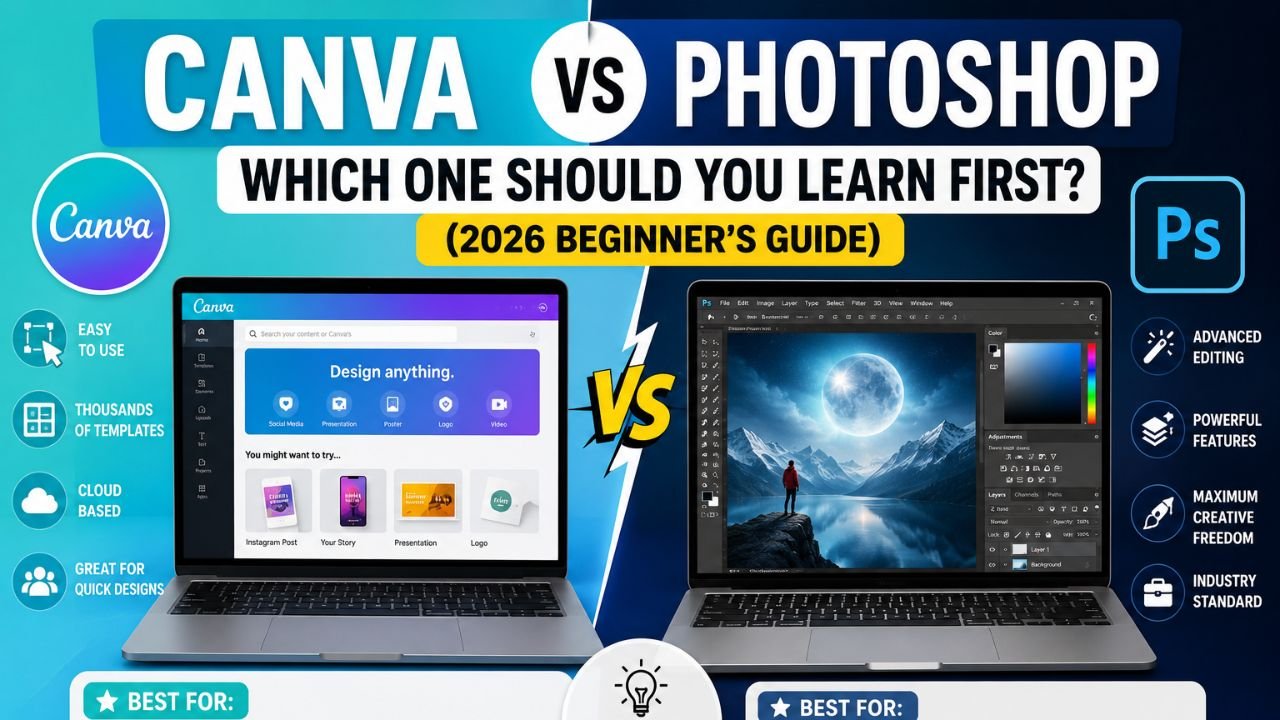
Both tools are popular, but they serve different purposes. Canva focuses on speed, simplicity, and ready-made templates, while Adobe Photoshop offers professional-level image editing and creative control.
For complete beginners, the best choice isn’t about which tool is “better”—it’s about which tool matches your current goals. In this guide, we’ll compare Canva and Photoshop, explain their strengths and limitations, and help you decide which to learn first. We’ll also explain why learning both tools over time can give you the most flexibility.
What Is Canva?
Canva is a cloud-based graphic design platform that helps users create visual content using drag-and-drop tools.
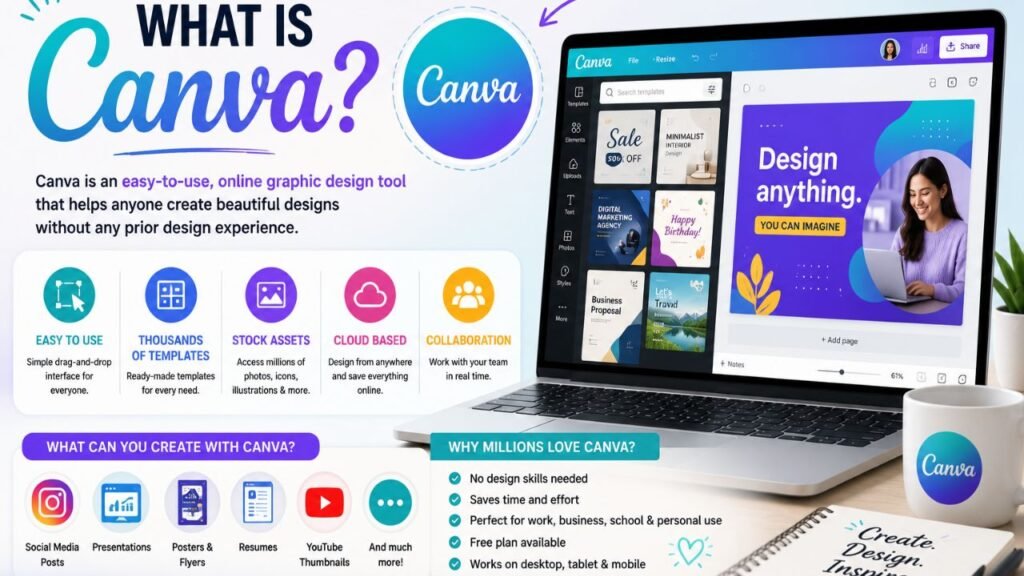
It includes thousands of ready-made templates for:
- Social media posts
- Presentations
- Posters
- Flyers
- Business cards
- Resumes
- YouTube thumbnails
- Infographics
- Marketing materials
Because of its intuitive interface, Canva is often the first design tool recommended for beginners.
What Is Adobe Photoshop?
Adobe Photoshop is professional image-editing software widely used by photographers, graphic designers, digital artists, and creative agencies.
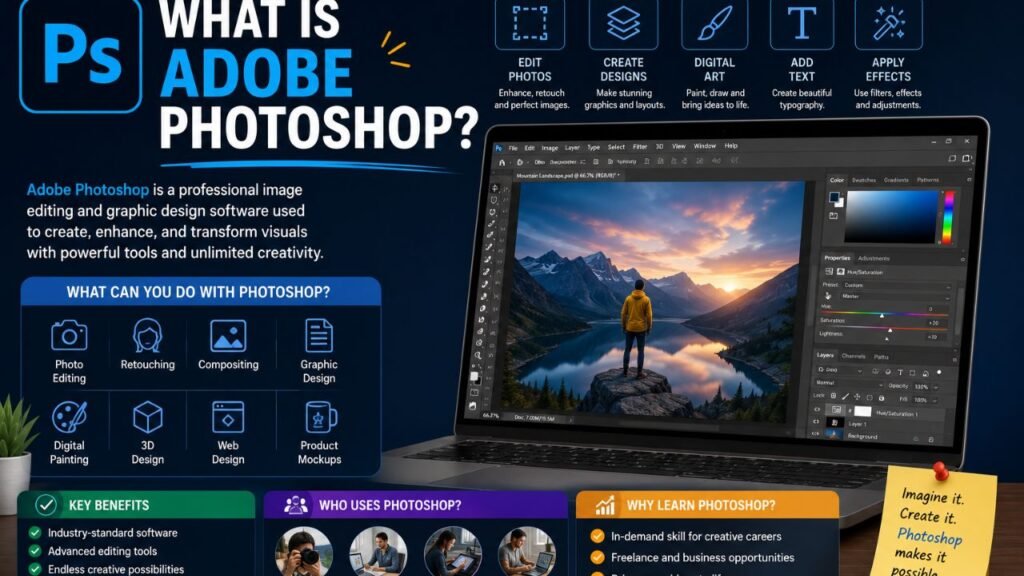
Photoshop is designed for advanced tasks such as:
- Photo retouching
- Image manipulation
- Digital painting
- Poster design
- Web graphics
- Mockups
- Banner design
- Advanced compositing
Although Photoshop has a steeper learning curve, it provides far greater creative freedom.
Canva vs Photoshop: Feature Comparison
| Feature | Canva | Photoshop |
|---|---|---|
| Ease of Use | Excellent for beginners | Moderate to advanced |
| Learning Curve | Very easy | Steeper |
| Templates | Thousands included | Limited built-in templates |
| Photo Editing | Basic to moderate | Professional-level |
| Graphic Design | Fast and simple | Highly customizable |
| Collaboration | Excellent | Available through Adobe ecosystem |
| AI Features | Yes | Yes |
| Offline Use | Limited | Yes |
| Best For | Quick content creation | Professional creative work |
Canva: Advantages
Canva makes design approachable, even if you’ve never created graphics before.
Benefits include:
- Beginner-friendly interface.
- Thousands of templates.
- Fast content creation.
- Cloud-based access.
- Team collaboration.
- Brand kit support.
- Built-in icons, illustrations, and stock assets.
- Easy social media resizing.
These features make Canva ideal for creators who want professional-looking designs without extensive training.
Photoshop: Advantages
Photoshop provides precision and flexibility that template-based tools cannot match.
Key strengths include:
- Advanced photo editing.
- Layer-based editing.
- Detailed masking and selections.
- Professional color correction.
- Custom graphics.
- Digital illustration.
- High-resolution print design.
- Extensive plugin support.
These capabilities make Photoshop an industry standard for professional creative work.
Which Tool Is Easier to Learn?
For complete beginners, Canva is generally easier to learn because its interface is designed for simplicity.
Most users can create attractive designs within a few hours by customizing templates and experimenting with layouts.
Photoshop requires more time because you’ll need to understand concepts such as layers, masks, blending modes, selections, and adjustment tools. However, investing that time provides skills that can be applied to a wide range of creative projects.
Which Tool Is Better for Different Goals?
Your goals should guide your choice.
Choose Canva if you want to:
- Design social media graphics.
- Create presentations.
- Build marketing materials quickly.
- Produce YouTube thumbnails.
- Make simple posters or invitations.
- Work collaboratively online.
Choose Photoshop if you want to:
- Edit photographs professionally.
- Create custom digital artwork.
- Design detailed graphics.
- Work in advertising or print design.
- Learn professional graphic design skills.
- Build a creative career.
Can You Earn Money with Canva?
Yes. Many freelancers and entrepreneurs use Canva to create:
- Social media designs
- Marketing materials
- Presentation templates
- Printable products
- Small business branding
- Digital downloads
While Canva simplifies design, success still depends on creativity, understanding client needs, and delivering high-quality work.
Can You Earn Money with Photoshop?
Absolutely. Photoshop skills are widely valued across creative industries.
Professionals use Photoshop for:
- Photo editing
- Graphic design
- Advertising campaigns
- Product mockups
- Digital illustrations
- Print media
- Website graphics
Learning Photoshop can open opportunities in freelance work, agencies, in-house design teams, and creative businesses.
Should Beginners Learn Canva First?
For many beginners, starting with Canva makes sense because it builds confidence and introduces basic design concepts such as typography, color, alignment, and spacing.
Once you’re comfortable creating layouts and understanding visual hierarchy, transitioning to Photoshop becomes much easier.
Learning Canva first doesn’t limit your growth—it provides a practical starting point.
Why Learning Both Tools Is the Best Choice
Rather than treating Canva and Photoshop as competitors, think of them as complementary tools.
Many professionals use:
- Canva for speed and collaboration.
- Photoshop for advanced editing and custom designs.
By learning both, you’ll be able to choose the right tool for each project instead of forcing one application to do everything.
Tips for Beginners
If you’re just beginning your design journey:
- Practice every week.
- Study typography and color theory.
- Analyze professional designs.
- Recreate simple layouts.
- Learn keyboard shortcuts.
- Build a portfolio.
- Seek constructive feedback.
- Stay updated with design trends.
Consistent practice is more important than mastering every feature immediately.
Common Mistakes to Avoid
New designers often:
- Rely too heavily on templates.
- Ignore design fundamentals.
- Overuse fonts and colors.
- Neglect spacing and alignment.
- Skip image optimization.
- Expect instant mastery.
Focus on improving one skill at a time and gradually expand your capabilities.
Read also:-
- Free Stock Photos Websites List (2026): 15 Best Sites for Royalty-Free Images
- How to Become an SEO Expert: Step-by-Step Guide for Beginners (2026 Guide)
Frequently Asked Questions (FAQs)
Is Canva free?
Yes. Canva offers a free version with many useful features, while paid plans provide additional templates, assets, and collaboration tools.
Is Photoshop beginner-friendly?
Photoshop can feel overwhelming at first, but many beginners successfully learn it through consistent practice and structured tutorials.
Can Canva replace Photoshop?
For basic graphic creation, Canva may be sufficient. However, it cannot fully replace Photoshop for advanced image editing, detailed compositing, or professional creative workflows.
Which tool is better for freelancers?
It depends on the services you offer. Many freelancers use Canva for fast content creation and Photoshop for advanced editing, making both valuable skills.
Should I learn Canva and Photoshop together?
You can, but many beginners find it easier to start with Canva to understand design basics and then move on to Photoshop for deeper creative control.
Final Thoughts:-
Choosing between Canva and Photoshop doesn’t have to be an either-or decision. Canva is an excellent starting point for complete beginners who want to create attractive graphics quickly, while Photoshop provides the advanced tools needed for professional image editing and graphic design.
If your goal is to build long-term design skills, a practical learning path is to begin with Canva, develop a solid understanding of design principles, and then progress to Photoshop. By learning both tools, you’ll gain the flexibility to handle a wide variety of creative projects, from social media content to professional branding and photo editing.
Ultimately, the best design tool is the one that helps you create effective visuals while continuing to grow your skills over time.
