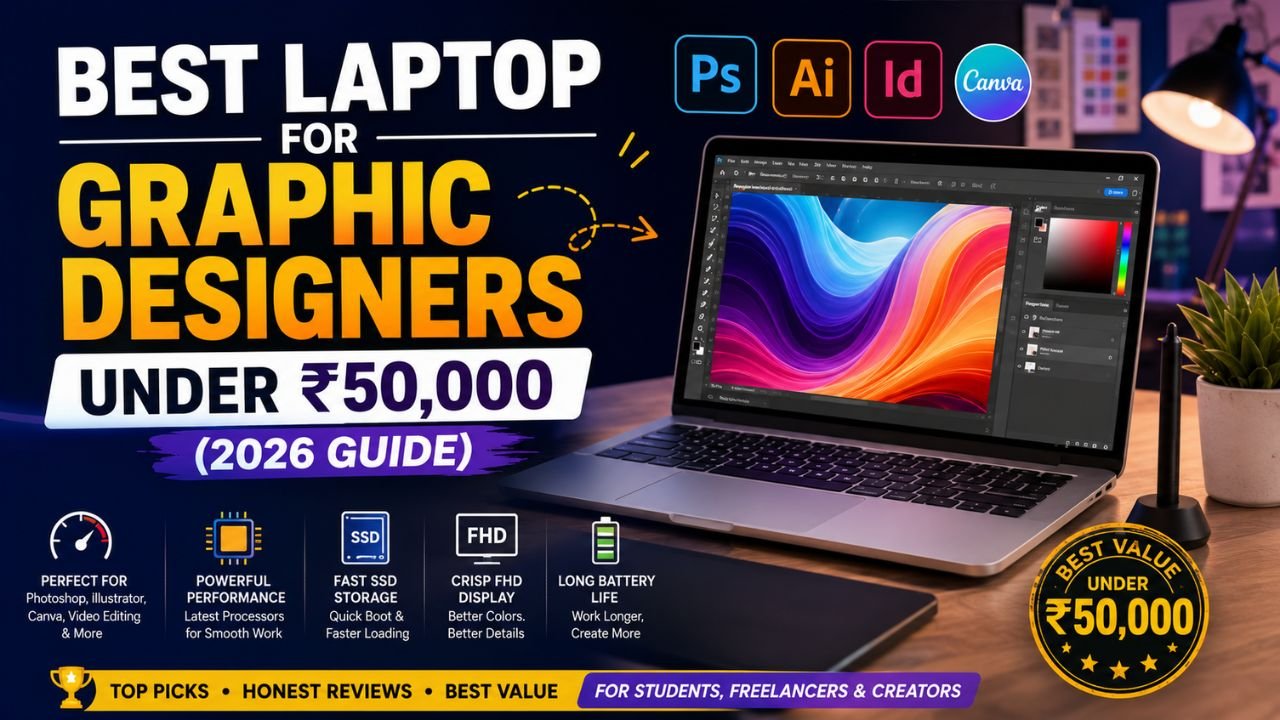
Choosing a laptop for graphic design on a limited budget can feel overwhelming. Modern creative software such as Adobe Photoshop, Illustrator, Canva, Figma, and even beginner-level video editing applications require reliable performance, sufficient memory, and a quality display.
The good news is that you don’t need to spend ₹1 lakh to start learning graphic design. Several laptops under ₹50,000 provide excellent value for students, beginners, freelancers, and content creators.
In this guide, we’ll explore the best budget laptops for graphic designers in 2026, explain the specifications that matter most, and help you choose a machine that fits your creative needs.
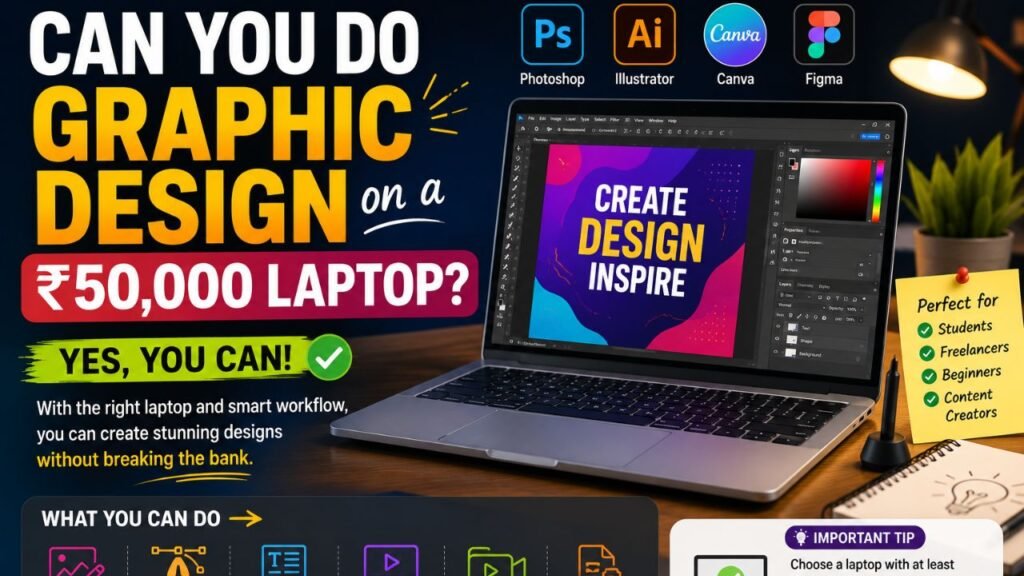
Can You Do Graphic Design on a ₹50,000 Laptop?
Yes. While budget laptops may not handle intensive 4K editing or advanced 3D rendering as efficiently as premium models, they are capable of:
- Adobe Photoshop
- Adobe Illustrator
- Canva
- Figma
- CorelDRAW
- Lightroom
- Affinity Designer
- Basic Premiere Pro editing
- CapCut
- DaVinci Resolve (1080p projects)
For beginners and intermediate users, these laptops offer a solid balance of performance and affordability.
Minimum Specifications You Should Look For
Before buying a laptop, check these key specifications.
Processor
Choose one of the following:
- Intel Core i5 (12th Gen or newer)
- Intel Core i3 13th Gen (acceptable for beginners)
- AMD Ryzen 5 5500U, 7530U, or newer
RAM
- Minimum: 8GB
- Recommended: 16GB (or upgradeable)
Storage
- 512GB SSD is ideal.
- Avoid traditional HDD-only laptops.
Display
Look for:
- Full HD (1920×1080)
- IPS Panel
- Anti-glare screen
- Good color accuracy
Graphics
Integrated graphics are sufficient for beginner graphic design and light video editing. A dedicated GPU is beneficial but uncommon in this price range.
Best Laptops Under ₹50,000
1. ASUS Vivobook 15
Best For
Graphic design beginners and students.
Highlights
- Intel Core i5 processor
- 8GB RAM
- 512GB SSD
- Full HD IPS display
- Lightweight design
Pros
- Fast performance
- Comfortable keyboard
- Reliable battery life
- Excellent value
2. Lenovo IdeaPad Slim 3
A dependable choice for everyday creative work.
Suitable For
- Photoshop
- Canva
- Illustrator
- Office work
- Content creation
Advantages
- Ryzen 5 processor
- Good build quality
- Upgradeable RAM
- Fast SSD storage
3. Acer Aspire Lite
A budget-friendly laptop offering impressive performance.
Features
- AMD Ryzen processor
- Full HD display
- Lightweight chassis
- Long battery life
Perfect for students entering graphic design.
4. HP 15 Series
HP continues to offer balanced laptops for creative professionals on a budget.
Strengths
- Responsive performance
- Comfortable keyboard
- Reliable customer support
- Good display quality
5. Dell Inspiron 15
Dell’s Inspiron lineup remains popular among beginners.
Why Consider It?
- Durable build
- Efficient cooling
- Smooth multitasking
- Strong productivity performance
Ideal for Photoshop, Canva, and web design.
Refurbished MacBook Option
If you prefer macOS, a refurbished MacBook Air with Apple’s M1 chip can sometimes be found near this budget, depending on market availability and condition.
It offers:
- Excellent battery life
- Strong performance for Photoshop and Illustrator
- High-quality Retina display
- Smooth overall experience
Because pricing and availability vary, carefully verify the device’s condition, warranty, and seller reputation before purchasing.
Which Laptop Is Best for Photoshop?
Adobe Photoshop benefits from:
- Fast processor
- SSD storage
- At least 8GB RAM
- Good display quality
Among budget options, laptops with Intel Core i5 or AMD Ryzen 5 processors generally provide the best balance of speed and responsiveness.
Which Laptop Is Best for Video Editing?
For beginners editing 1080p videos:
- AMD Ryzen 5
- Intel Core i5
- 16GB RAM (preferred)
- SSD storage
While these systems won’t replace professional editing workstations, they perform well for learning and creating content for platforms like YouTube and social media.
Buying Tips
Before purchasing:
- Compare display quality.
- Check RAM upgrade options.
- Read recent customer reviews.
- Confirm SSD specifications.
- Look for student discounts.
- Compare warranty coverage.
A slightly more upgradeable laptop often provides better long-term value.
Common Mistakes to Avoid
Many buyers make these mistakes:
- Choosing HDD instead of SSD.
- Prioritizing appearance over performance.
- Buying only 4GB RAM.
- Ignoring display quality.
- Choosing outdated processors.
- Forgetting future upgrade options.
Avoiding these pitfalls helps ensure your laptop remains useful for several years.
Read also:-
Frequently Asked Questions
Is ₹50,000 enough for graphic design?
Yes. It’s sufficient for beginners using Photoshop, Illustrator, Canva, Figma, and light video editing software.
Can I edit videos on these laptops?
Yes. Most laptops in this range can handle 1080p editing projects. Performance will vary depending on the software, project complexity, and system configuration.
Should I buy 8GB or 16GB RAM?
If possible, choose a laptop with upgradeable RAM so you can expand to 16GB later. This improves multitasking and performance in creative applications.
Is a dedicated graphics card necessary?
Not for beginners. Integrated graphics are adequate for graphic design and basic video editing, although a dedicated GPU can improve performance in demanding workflows.
Is a refurbished MacBook a good option?
A refurbished MacBook Air (M1) can be an excellent choice if purchased from a reputable seller with a warranty. Always inspect its condition and verify the battery health before buying.
Final Thoughts:
Finding the best laptop for graphic design under ₹50,000 is entirely possible if you focus on the right specifications instead of marketing claims. Prioritize a modern processor, SSD storage, at least 8GB of RAM, and a Full HD IPS display to ensure a smooth experience with design software.
For most beginners, Windows laptops from ASUS, Lenovo, Acer, HP, and Dell offer excellent value in this budget. If you prefer macOS and are comfortable buying refurbished hardware, a MacBook Air with the M1 chip is also worth considering when available.
Ultimately, the best laptop is the one that meets your current creative needs while offering room to grow as your skills develop.
